A package can meet its declared weight on paper and still create losses through giveaway, shipment disputes, inconsistent batches, or an underweight delivery. By the end, you will know how dynamic weighing works, which operating conditions affect its result, and how to specify, validate, and control a checkweighing system on your line.
Key takeaways
- Separate legal label limits from tighter process-control limits.
- Control conveyor speed, spacing, vibration, and product position before blaming the load cell.
- Specify throughput, product dimensions, weight range, and reject method together.
- Use calibration records and reject tests to prove ongoing checkweigher performance.
Why Weight Verification Matters Beyond the Label
Accurate weight verification protects a production business from margin loss, unreliable shipments, inconsistent batches, and retailer disputes—not just from violating labelled-weight rules. An underweight shipment can trigger complaints, returns, rework, penalties, or a claim that the entire lot is suspect.
Overfilling creates a different loss: product giveaway. A few extra grams on every pack can consume margin without generating extra revenue, especially on high-volume lines. Set the legal minimum separately from the tighter internal control limits that keep the filling process centred on its target.
Use weight data to detect a drifting filler, uneven ingredient dosing, or a change in product density before the problem spreads across a batch. That evidence supports batch consistency and gives your team a defensible record when a retailer questions a delivery.
Validate the system with actual products, not only a calibration weight. A test piece confirms instrument response to a stable load; it does not reproduce a product that shifts, flexes, rolls, or bridges across the belt. Include:
- The lightest and heaviest products
- The longest and shortest products
- The least-stable product orientation
- Repeated runs at production speed
Record the SKU, limits, speed, test results, and reject performance. Those records turn a weight reading into evidence.
How an In-Line Checkweigher Produces a Reliable Decision
A reliable decision begins before the product reaches the scale. Infeed metering creates product spacing so one item enters the weighing conveyor at a time, without touching or overlapping its neighbour. A controlled transfer places the product fully on the conveyor, where the load cell measures force during a defined weighing window.
The instrument stabilises that reading, applies signal processing to reduce motion and electrical noise, and compares the calculated weight with programmed limits. The control system then tracks that product to a downstream reject point, compensates for travel time, activates the reject device, and checks that the item actually left the line.
A correct weight with a failed reject timing still allows a nonconforming product to ship.
| Equipment | Primary job | Key difference |
|---|---|---|
| In-line checkweigher | Verify each product while moving | Measures dynamic weight and triggers a timed reject |
| Static bench scale | Weigh a stationary item | Provides an operator reading, not automatic line control |
| Floor scale | Weigh containers, cases, or pallets | Handles heavier loads at lower throughput |
| Filling machine | Dispense a target quantity | Controls filling; it does not independently verify every finished item |
| Metal detector | Find metallic contamination | Inspects material type, not product weight |
A high displayed resolution does not guarantee accurate decisions. Vibration, belt motion, unstable orientation, poor transfers, or a product entering or leaving the weighing window can distort the load-cell signal. The weigh conveyor needs mechanical isolation, clean belts, and reliable reject confirmation.
Why Dynamic Weighing Errors Start Outside the Load Cell
An accurate load cell can report the wrong dynamic weight if the product enters or leaves the weigh zone during measurement. Belt speed, product spacing, product orientation, conveyor alignment, vibration, and unstable transfers all change the force reaching the load receptor.
| Line condition | How it distorts the reading | What to verify |
|---|---|---|
| Belt speed and spacing | The product is only partly supported, or two products share the zone | Run at the actual speed with controlled gaps |
| Vibration and belt motion | Mechanical forces appear as changing product weight | Isolate the weigh conveyor from shared frames, shocks, guards, and floor vibration |
| Alignment and transfers | Skewed products touch guides or move abruptly between belts | Check that the product stays fully supported and centered |
| Orientation and stability | Rolling, tipping, or shifting weight changes the measurement window | Test the real product in its normal presentation |
Prove performance with representative products, not certified test weights alone. Run repeated passes at the intended belt speed, spacing, temperature, and production rate, including the lightest and heaviest products; record displayed weights, invalid readings, and reject decisions against written acceptance limits. Test the actual rejection timing too.
A stable display or high resolution does not prove repeatability, and legal-for-trade approval requires the complete instrument and its operating conditions to meet the applicable metrological requirements.
How to Specify a Checkweigher for the Actual Production Line
Fix the product and line conditions before comparing models. Record product dimensions, weight range, orientation, stability, centre-of-gravity shifts, and whether products flex, roll, touch, or overlap. Specify the target throughput in products per minute, minimum spacing, belt speed, conveyor width, and line height.
| Specification area | Record before selection | Why it matters |
|---|---|---|
| Product | SKU, dimensions, weight range, shortest, longest, lightest and heaviest packs | Determines load-cell capacity, weighing length, and product separation |
| Conveyor | Belt speed, width, transfer gaps, spacing method, line height, and elevation changes | Prevents unstable presentation and incorrect timing |
| Environment | Temperature, washdown chemicals, moisture, dust, airflow, vibration, and nearby equipment | Defines construction, ingress protection, and filtering needs |
| Rejection | Reject type, product identity distance, actuator speed, reject bin capacity, and confirmation sensor | Prevents a correctly measured product from shipping incorrectly |
| Compliance | Legal limits, target weight, OIML R 51 requirements, and records needed | Establishes whether the complete system can support legal verification |
Test the lightest, heaviest, longest, shortest, and least-stable products at the target throughput. Record repeated pass/fail runs, zero stability, reject timing, and environmental conditions.
Integrated Conveyors And Pacline Automation Technologies can help translate these fixed dimensions, speeds, transfers, and rejection constraints into a conveyor layout rather than selecting a scale in isolation.
Related products
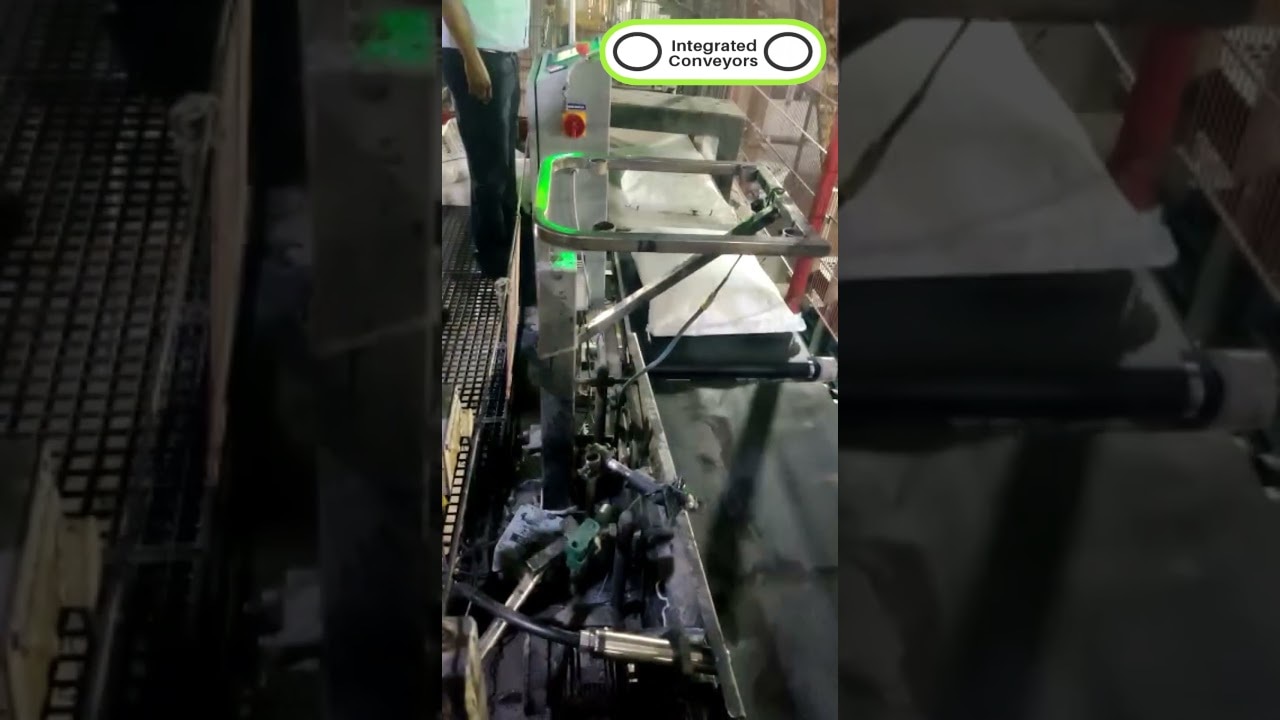 | Conveyor Conveyor – Precision Weight Control in Motion Our Check Weighing Scales Conveyor is a high-accuracy, automated weighing system designed to verify... View product → |
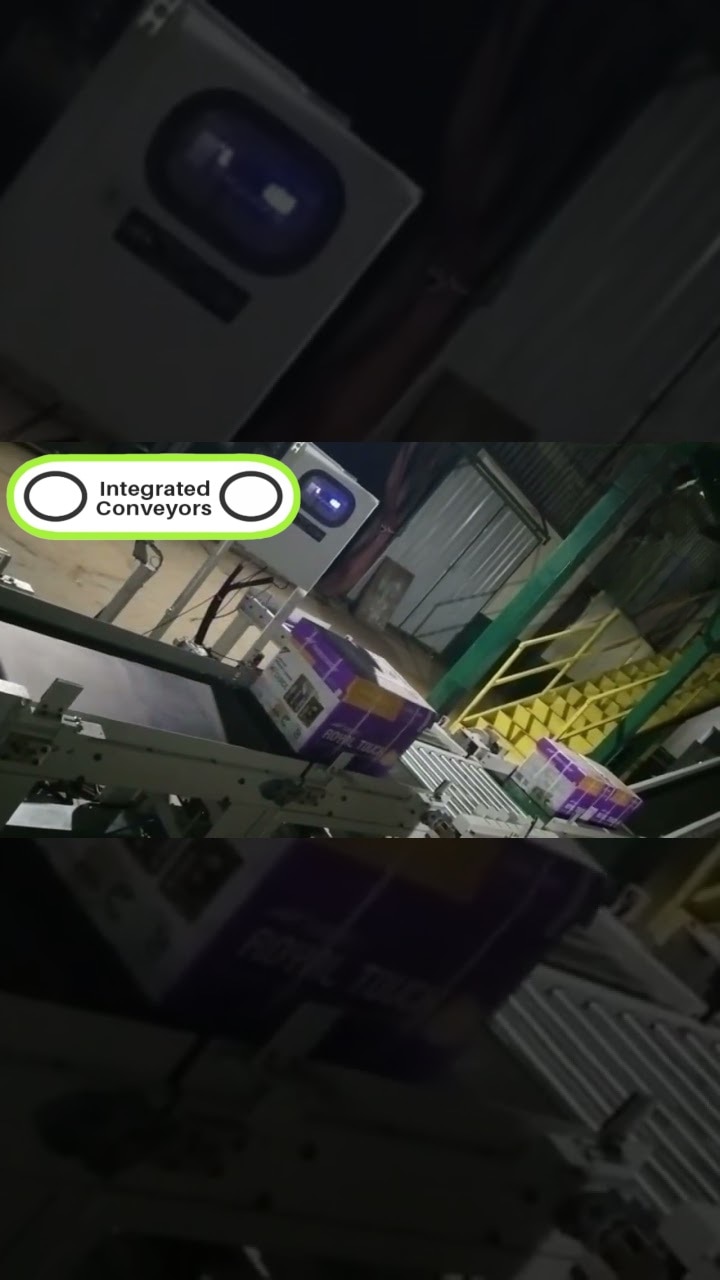 | Conveyor Real-Time Weight Inspection Without Stopping the Line Our Online Check Weigher Conveyor is an advanced, fully automated system designed to weigh... View product → |
How to Set Limits Without Confusing Compliance and Process Control
Treat the declared quantity as a legal reference, not as the production target. OIML R 87 addresses average quantity and permitted deficiencies in prepackages, so compliance is not proved by copying the label weight into the checkweigher.
1. Define the legal minimum using the applicable declared-quantity rules and approved metrological procedure. A package below that boundary creates underweight exposure; a package above it does not automatically represent good process control.
2. Set the target weight above the declared quantity. Leave enough margin for normal filling variation and measurement uncertainty, or random low readings will push compliant product into rejection.
3. Create internal control limits for the process. Set the lower weight limit above the legal minimum to detect drift early, and set the upper weight limit to identify excess fill. These are operating alarms, not replacements for the legal criteria.
4. Tune the gap between target and limits against actual giveaway. A narrow band reduces excess product but increases rejects and corrective interventions; a wide band protects throughput but gives away more material. Use weight trends to adjust the filler gradually, rather than chasing every individual reading.
How Calibration, Reject Checks, and Records Prove Performance
A stable calibration reading proves only that the load path responds correctly at one point. Use certified test weights to verify calibration, but do not treat that result as proof of accurate production weighing or correct rejection. For legal-for-trade use, assess the complete instrument against OIML R 51 under intended operating conditions.
During commissioning and scheduled checks, run representative products repeatedly at actual belt speed, spacing, orientation, temperature, and operating rate. Set acceptance limits, perform zero checks before and after runs, and compare results with approved targets and limits. A product entering or leaving the weigh zone during measurement creates repeatable error.
Check the rejection path separately:
- Confirm reject timing from weigh decision to discharge at actual belt speed.
- Verify reject confirmation with a sensor that detects the diverted product, not an actuator signal.
- Challenge each reject route with underweight and overweight test products; confirm the correct product leaves the line.
- Repeat after changeover, jam clearance, or sensor adjustment.
Record the SKU, target and legal limits, belt speed, spacing, test-product identity, repeat count, pass/fail results, zero stability, reject timing, reject confirmation, and environmental conditions. That evidence proves system performance, not just display stability.
Frequently asked questions
Why does weight verification matter beyond meeting label requirements?
Weight verification limits product giveaway, catches inconsistent fills, protects shipment accuracy, and reduces complaints, returns, rework, penalties, and retailer disputes.
How does an in-line checkweigher make a pass-or-reject decision?
A load cell measures each product while it travels across the weigh zone. The controller compares the measured weight with configured limits, then signals the reject device when the product falls outside those limits.
What causes dynamic weighing errors besides the load cell?
Uneven product spacing, conveyor vibration, changing belt speed, poor product positioning, transfers, air movement, and unsuitable reject timing can all reduce accuracy.
How do you prove that a checkweigher is still performing correctly?
Use documented calibration checks, known test weights, routine reject tests, defined acceptance limits, and records showing the date, product, test result, operator, and corrective action.
Related products
 | Online Weighment Industrial Checkweigher Conveyor Within the short time period, we are engaged in presenting an excellent grade of Industrial Checkweigher Conveyor. View product → |
 | Online Check Weigher Online Checkweigher Belt Conveyor System Our range of checkweighers ensure consistent pack weight with a choice of reject mechanism for bags, cartons, boxes or sachets that fall out of the... View product → |
 | offered finds extensive use in industry sectors like pharmaceutical industry, food industry and others. View product → |
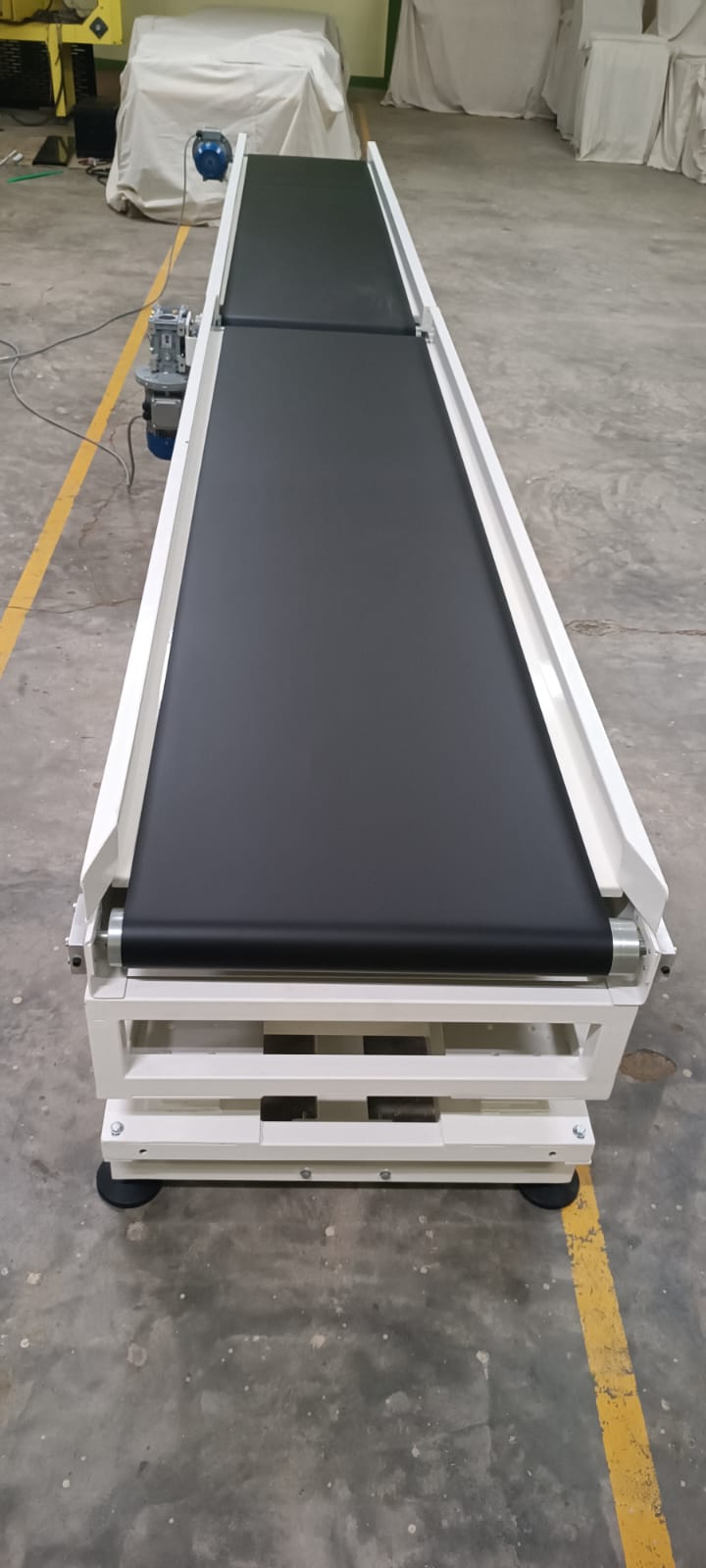 | CONVEYOR MS Checkweigher Belt Conveyor is designed for accurate weight verification and product inspection in production and packaging lines. View product → |