A conveyor line improves workstation workflow only when product sequence, task times, operator reach, controls, and handoff points are designed together. You will be able to calculate the required rate, test whether a conveyor fits your products and process, compare alternative material-handling methods, and validate the result with operational and safety measures.
Key takeaways
- Balance stations against the target cycle time before setting conveyor speed.
- Place tools and materials within reach to reduce awkward handoffs and strain.
- Choose conveyor arrangements based on product size, environment, and handling alternatives.
- Track throughput, waiting time, defects, and ergonomic issues after installation.
How do you turn product steps into a balanced conveyor layout?
Turn product steps into a balanced conveyor layout by measuring the work before choosing belt speed or station spacing.
1. Map every assembly, inspection, replenishment, and packing step in product order. Record observed cycle time for several units, including tool retrieval, part presentation, quality checks, and normal interruptions. This exposes work that a standard-time sheet misses.
2. Calculate takt time by dividing available production time by required customer demand. Each station’s effective cycle time must be at or below takt time. If fastening takes 48 seconds and inspection takes 22 seconds against a 30-second takt, faster conveying will not create capacity.
Split the fastening work, add parallel operators, change the method, or accept the bottleneck.
3. Estimate the theoretical conveyor rate for a regular stream as belt speed divided by product pitch, meaning the center-to-center distance between products. Add gaps for transfers, operator access, inspection, reject devices, and accumulation before approving the speed; belt speed alone overstates throughput.
4. Place a controlled buffer before a station with short, predictable interruptions, not before a chronic constraint. Specify its capacity, sensor locations, stop-and-release logic, and maximum residence time. This keeps delayed work visible and traceable instead of hiding growing work-in-process.
Recheck the layout through line balancing: compare each station’s measured cycle time with takt time, then adjust task allocation, staffing, method, pitch, or buffer capacity. A fast belt cannot rescue an overloaded workstation.
How should workstation layout improve handoffs without creating ergonomic strain?
Present every product in the same orientation and at a repeatable height, but design the operator reach zone before fixing the frame. Set workstation spacing around the task, not merely around the conveyor frame.
1. Keep frequently used parts, tools, and fasteners in the primary reach area; move infrequent items farther away. Set height for the task and worker population, then check seated and standing positions, glare, lighting, tool access, elbow clearance, and knee clearance. Good ergonomics can disappear when a short walking route becomes constant reaching or twisting.
2. Control the pace instead of forcing one rate. Use adjustable speed, work-rest provisions, and operator feedback. Add side tables only for staging, and leave inspection, cleaning, belt removal, sensor replacement, and bearing access unobstructed.
3. Plan return flow for empty totes, pallets, fixtures, and rejected parts so containers stay out of the operator’s path. Specify photoelectric sensors, zone accumulation, fault lights, cycle counters, work instructions, Andon indication, and traceability where the process requires them.
4. Define interlocks and restart behavior before commissioning. A downstream stop must clearly show whether upstream product will hold, divert, or release; otherwise accumulation can trigger overfill, repeated manual intervention, or unsafe clearing. Verify that guarding and maintenance access still work at every workstation spacing decision.
Which conveyor arrangement fits the product, environment, and alternative handling method?
Match the conveying surface to the product before comparing supplier layouts. A belt conveyor suits many stable products; a chain conveyor or slat conveyor supports fixtures and heavier loads; a roller conveyor suits rigid-bottom cartons and pallets. Wire mesh adds airflow, drainage, cooling, drying, washing, and thermal-processing capability.
Check these product conditions before selecting the arrangement:
- Length, width, mass, centre of gravity, surface, fragility, temperature, cleanliness, and required assembly orientation.
- Mesh openings smaller than the product’s smallest stable support dimension.
- Seams, rods, and sprockets that cannot snag or mark the product.
Positive-drive mesh can reduce slip in wet or contaminated service, but it still demands sprocket alignment, engagement, tracking, tension control, thermal-expansion allowance, drainage, cleanable geometry, and chemical compatibility. Specify a nosebar, dead-plate, powered transfer, or transfer roller where a small, irregular, or unstable product could jam at a belt gap.
| Option | Strength | Poor fit |
|---|---|---|
| Fixed benches | Maximum access and flexibility | Repeated walking and manual handoffs |
| Carts | Low installation cost and easy rerouting | Uncontrolled flow and staging congestion |
| Roller tracks | Simple movement for rigid loads | Small, soft, or irregular products |
| Pallet systems | Stable heavy assemblies | Frequent model changes |
| Overhead conveyors | Frees floor space | Limited access around products |
| Automated guided vehicles | Variable routing | High control and traffic complexity |
Reject a conveyor for highly variable routing, very low volume, oversized or unstable products, or unrestricted-access work. Include floor space, power, guarding, installation downtime, spares, cleaning, maintenance, and changeover time in ownership cost.
What implementation controls and safety provisions keep the line usable?
Validate the layout with a pilot or timed mock-up before installation. Observe operators completing standard work, replenishing materials, clearing normal rejects, changing variants, and returning empty containers; a compact drawing rarely reveals blocked access or excessive reaching.
1. Document standard work for manual and semi-automatic stations. Train operators on quality checkpoints, escalation rules, sensor states, fault indication, and safe restart. State what happens after a downstream stop: hold, divert, or release.
2. Specify conveyor guarding around pulleys, sprockets, rollers, chain drives, transfers, and every other in-running nip point, not just the belt surface. Position accessible emergency-stop devices along the line, then complete a machinery risk assessment under the rules applying at the installation location.
3. Define safe clearances for cleaning, adjustment, jam removal, and inspection. During servicing, use a documented lockout/tagout procedure that isolates electrical, pneumatic, hydraulic, gravity, and thermal energy where present.
4. Before approving a compact layout, test belt removal, bearing access, sensor replacement, under-conveyor cleaning, and drive inspection. Integrated Conveyors And Pacline Automation Technologies can help scope a customized arrangement, but confirm that drives, sensors, controls, guarding, documentation, and commissioning are included.
A line is not ready if operators must defeat a guard or reach through a nip point to restore production. Rework the layout until routine work and safe maintenance both fit the available space.
Related products
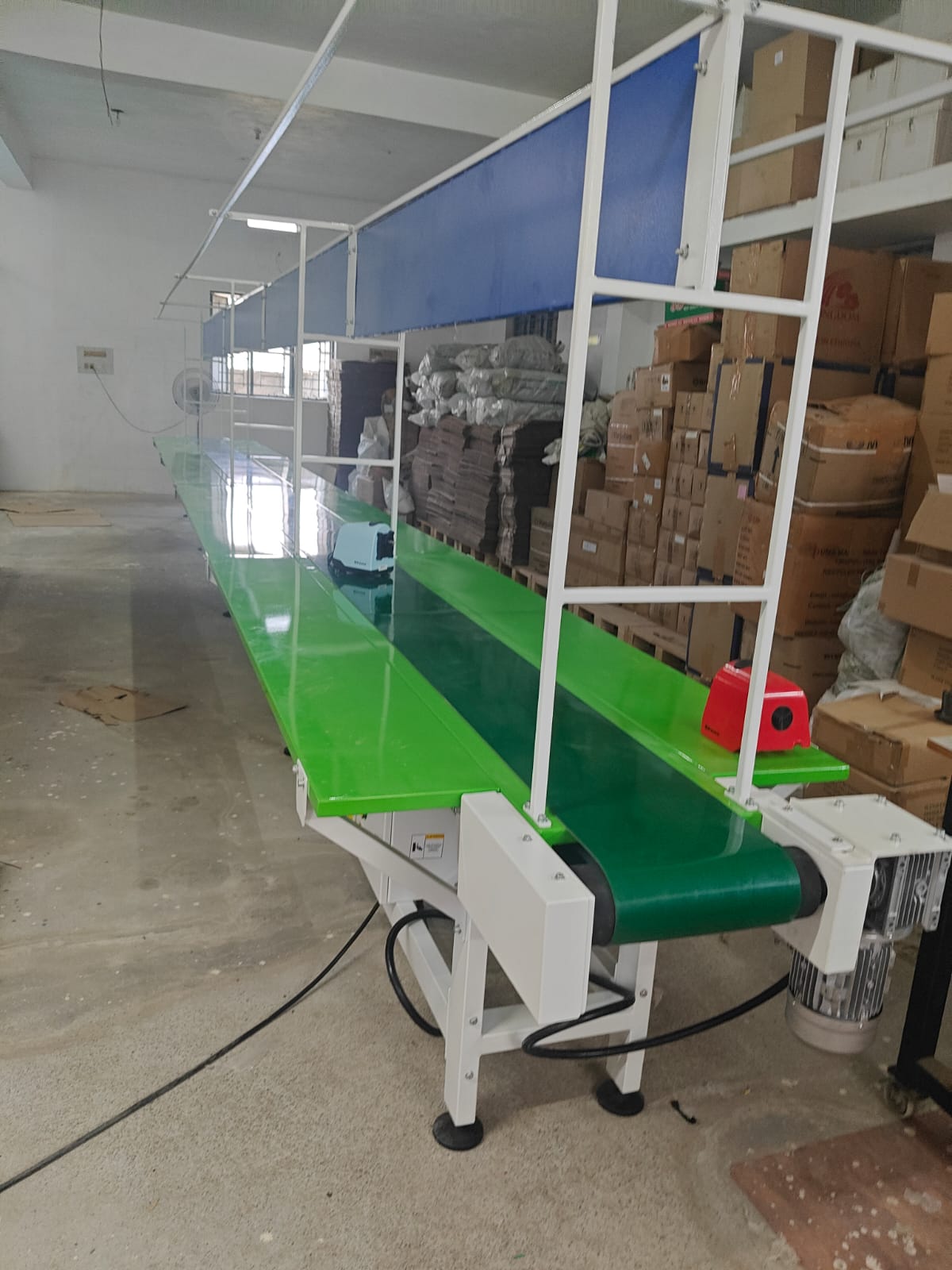 | CONVEYOR The Assembly Line Conveyor is a continuous material handling system designed to streamline production and assembly processes. View product → |
 | Industrial Assembly Line Conveyors Counted amongst the leading entities of this domain, we are betrothed in offering Industrial Assembly Line Conveyors. View product → |
How do you prove that the conveyor improved workflow across stations?
Record the baseline before moving a frame or installing a sensor. Measure walking distance per unit, station cycle time, throughput, first-pass yield, work-in-progress, changeover time, unplanned downtime, ergonomic reach distance, and on-time completion.
| Measure | Before layout change | Controlled pilot | After training |
|---|---|---|---|
| Walking distance per unit | Baseline | Same product and demand | Same shift and staffing |
| Station cycle time | Each station | Bottleneck tracked separately | Include normal interruptions |
| Throughput and on-time completion | Confirm actual output | Compare like-for-like | Confirm sustained output |
| First-pass yield and work-in-progress | Record rejects and queues | Trace reject location | Check hidden defects |
| Changeover time and downtime | Time both events | Log nuisance stops | Review fault history |
| Ergonomic reach distance | Observe normal work | Ask operators to flag strain | Confirm presentation remains safe |
Run the pilot with the same product family, shift pattern, staffing level, and demand. Repeat the measurements after operators complete training; otherwise unfamiliarity can make a good layout appear slow.
Track the bottleneck, not only the line average. A buffer that protects output during a short tool fault adds value; one that grows every shift signals work-content imbalance or a quality hold. Review reject locations and traceability records to find upstream defects hidden in accumulation.
Use operator feedback to identify forced pacing, awkward presentation, missed replenishment, nuisance stops, and unsafe jam-clearing behavior. Keep a selection record covering product dimensions and mass, target output, station times, pitch, conveyor width and height, accumulation capacity, environment, operator count, inspection points, future variants, and required documentation.
Schedule preventive maintenance for belt condition, guides, drives, sensors, emergency stops, and fault histories. Keep the conveyor only when measured gains exceed floor-space, maintenance, changeover, and safety costs.
Frequently asked questions
How do you turn product steps into a balanced conveyor layout?
Document each task, measure cycle times, calculate the target cycle time, and divide work so no station becomes a bottleneck.
How should workstation layout improve handoffs without creating ergonomic strain?
Keep parts, tools, controls, and completed work within comfortable reach while positioning handoff points between adjacent stations.
Which conveyor arrangement fits the product, environment, and alternative handling method?
Compare straight, loop, serpentine, and parallel layouts against product dimensions, load direction, floor space, cleanliness, and manual handling needs.
What implementation controls and safety provisions keep the line usable?
Provide guarding, emergency stops, lockout points, safe access, clear operating procedures, and controlled trials before full production.
How do you prove that the conveyor improved workflow across stations?
Compare baseline and post-installation throughput, cycle-time variation, queue length, defects, downtime, walking distance, and ergonomic observations.
Related products
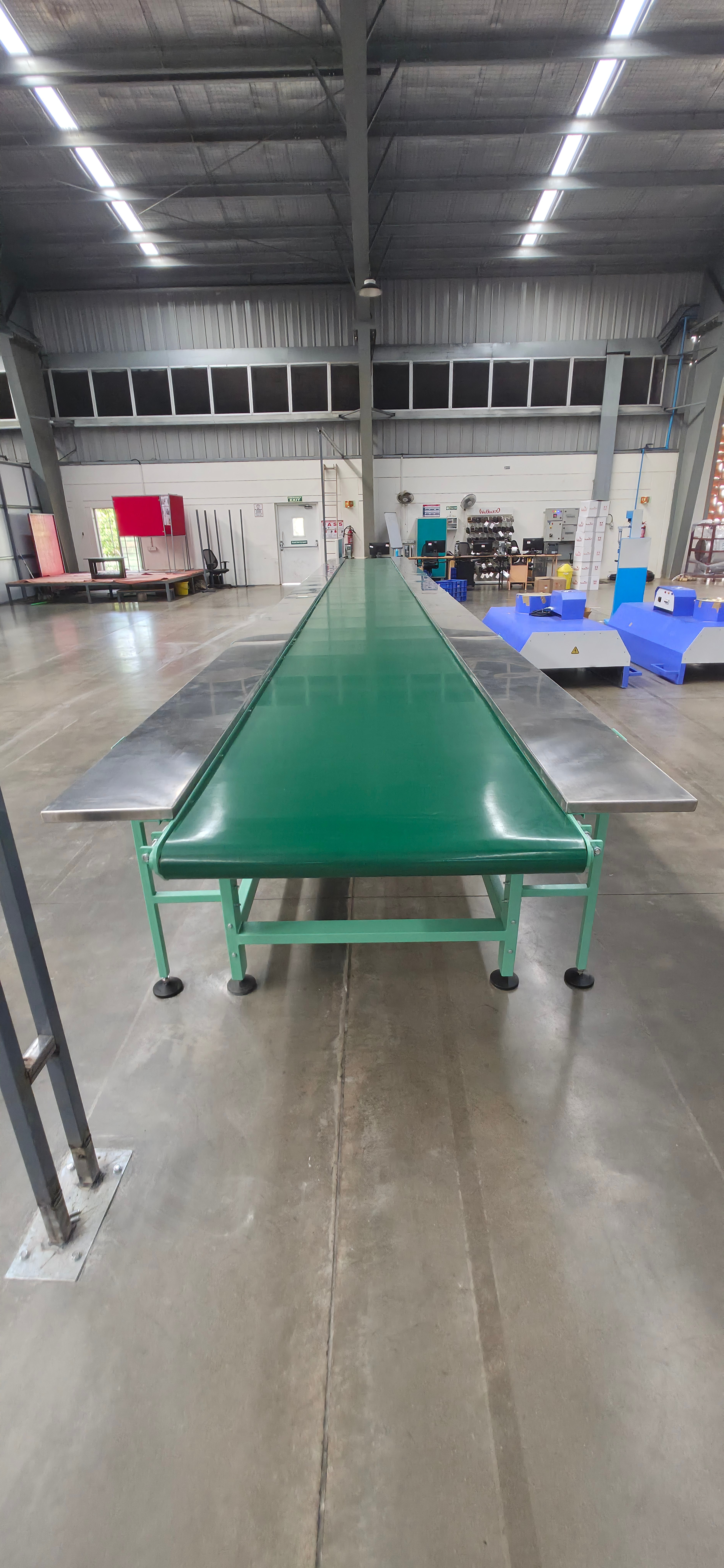 | CONVEYOR ASSEMBLY LINE CONVEYOR WITH SIDE TABLE An Assembly Line Conveyor with Side Table is designed to improve productivity and streamline manufacturing and assembly operations. View product → |
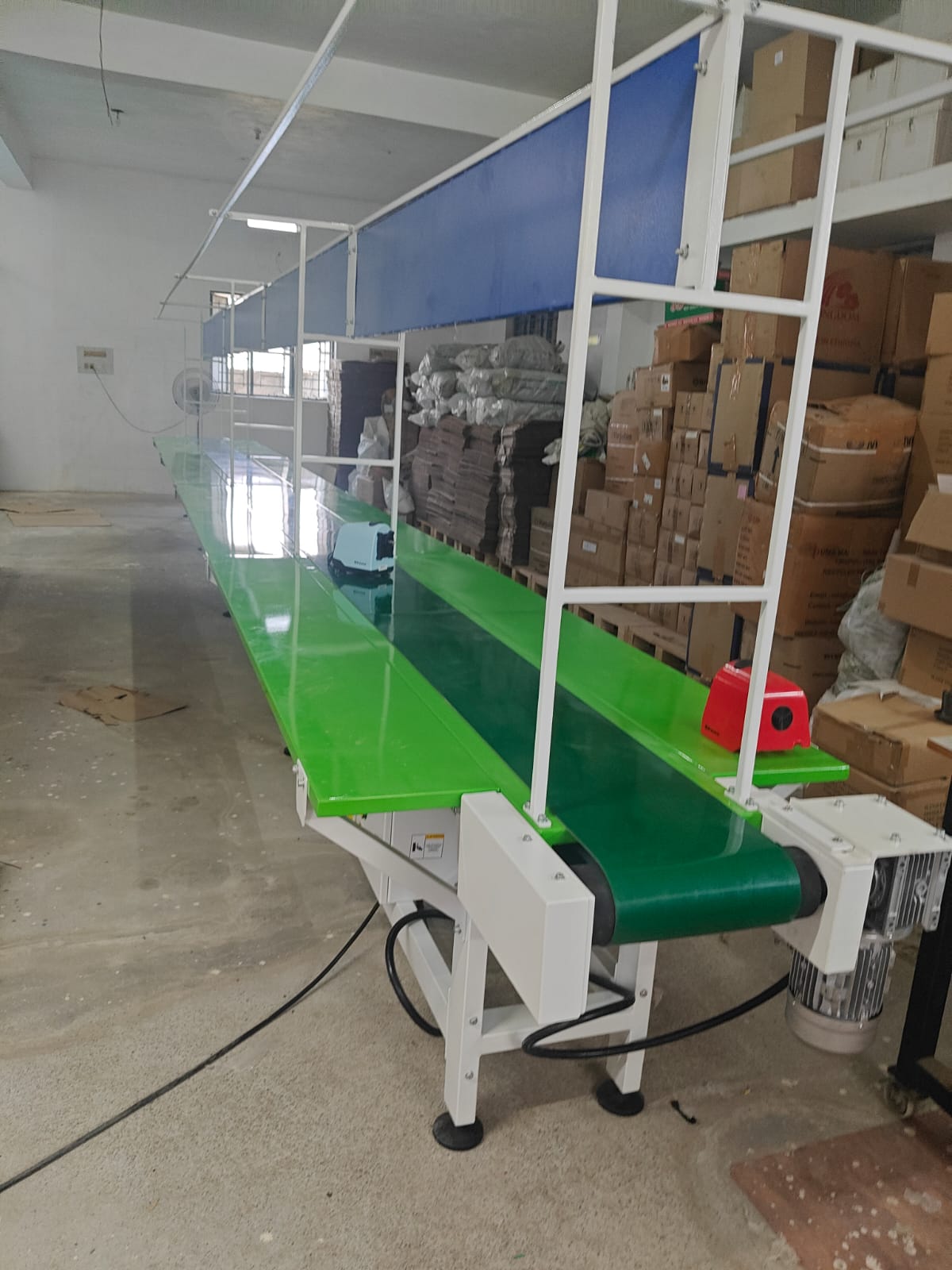 | CONVEYOR ASSEMBLY LINE CONVEYOR WITH TABLE The MS Assembly Line Conveyor with Side Table is a robust and efficient production system designed to streamline assembly operations. View product → |
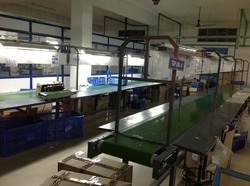 | Assembly Line Conveyors To meet the diversified requirements of our prestigious clients, we are engaged in offering Assembly Line Conveyors. View product → |
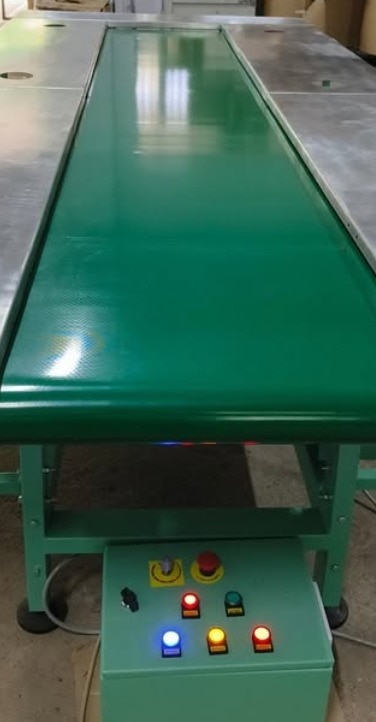 | CONVEYOR The Packing / Assembly Conveyor is specially designed for streamlined product assembly, inspection, and packing operations in manufacturing and... View product → |